Canvas Student Orientation
HOW TO GET TO THE CANVAS STUDENT ORIENTATION COURSE
You may log in on the Web from any computer that has Internet access, or come to any SJR State campus for assistance.
-
SJR State homepage
Go to the top of this page or the SJR State's homepage: SJRstate.edu
Click on the MySJRstate link in the upper left-hand corner.
MySJRstate button on the College homepage. -
MySJRstate page
Click on the Login button. You will then be prompted for your MySJRstate email and password previously setup during the acceptance of the college policy.
Click on the Login button.

Put in your MySJRstate email and password. -
Go to Important Links > Canvas
Once in the portal, under “Important Links,” select Canvas.

Once in the portal, under “Important Links,” select Canvas -
Select the New Student Orientation
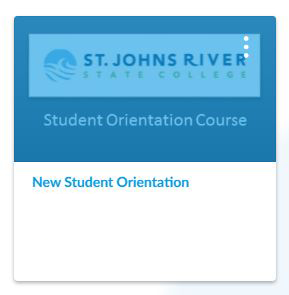
Upon entering Canvas, select the New Student Orientation, located on the dashboard.

Select the New Student Orientation
-
Orientation
Begin the Orientation.
Begin the Orientation.